
- What Is a Sales Presentation?
- How Long Should a Sales Presentation Be?
- What Should a Sales Presentation Include?
- How to Structure a Sales Presentation for Maximum Impact
- How to Design a Sales Presentation That Looks Professional
- Common Mistakes to Avoid When Creating a Sales Presentation
- How to Tailor a Sales Presentation to Different Audiences
- How to Deliver a Sales Presentation Confidently
- How to Follow Up After a Sales Presentation
- Tools to Help You Create a Sales Presentation
- Final Thoughts
How to Create a Sales Presentation That Actually Closes Deals
 |
June 3rd, 2026
|
June 3rd, 2026



You’ve got a great product. You know it inside out. But the moment you open PowerPoint and stare at that blank slide, everything feels harder than it should.
Sound familiar?
Creating a sales presentation is one of those things that looks simple on the surface but can go very wrong very quickly. Too many slides. Too much text. A design that feels off. A flow that loses the audience halfway through. And suddenly, a deal you were confident about starts to slip.
This guide is going to walk you through exactly how to create a sales presentation that does its job: move prospects closer to a yes.
What Is a Sales Presentation?
A sales presentation is a structured, visual pitch that walks a potential customer through a problem, a solution, and a reason to act. It is one of the most direct tools a salesperson has to earn trust and drive decisions.
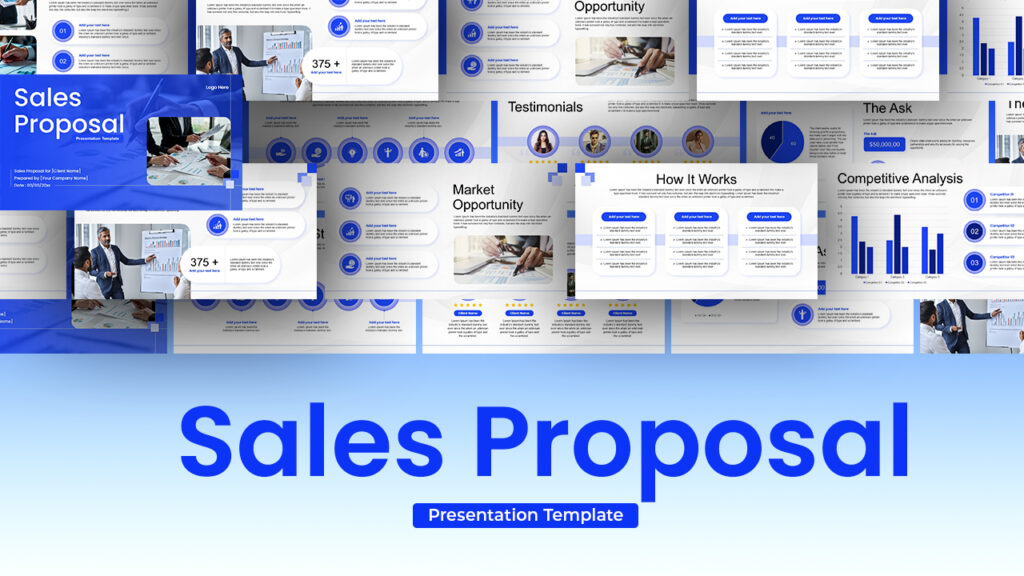
It is not a product brochure. It is not a feature dump. A good sales presentation tells a story, and that story has your prospect at the center, not your company.
How Long Should a Sales Presentation Be?
A sales presentation should ideally be between 10 and 20 slides. Anything beyond that risks losing your audience’s attention before you ever get to the close.
The sweet spot depends on your sales cycle. A quick discovery call presentation can be as lean as 8 to 10 slides. A formal enterprise pitch might stretch to 20. But here is the rule of thumb: if a slide is not moving the conversation forward, cut it.
What Should a Sales Presentation Include?
A strong sales presentation should include an opening hook, a problem statement, your solution, proof of results, pricing or next steps, and a clear call to action.
Here is a breakdown of each section you need to cover:
1. The Hook (Slide 1) Your first slide should grab attention immediately. Open with a bold statistic, a provocative question, or a statement that makes your prospect feel seen. Something like: “Most sales teams lose 20% of their deals not because of the product, but because of how they present it.”
2. The Problem (Slides 2 to 3) Before you pitch anything, name the pain. Get specific. “You are spending hours building presentations that still do not convert” hits harder than a generic “many businesses struggle with sales.” The more precisely you describe their problem, the more they trust that you actually understand their world.
3. The Solution (Slides 4 to 6) Now introduce your product or service, but frame it as the answer to the problem you just described. This is where most people go wrong: they dump features. Do not list what your product does. Show what changes for the customer because of it.
4. Social Proof (Slides 7 to 8) This is where you back up your claims. Use case studies, testimonials, client logos, or data from real results. Specificity matters here. “Helped a SaaS company increase close rates by 35% in 90 days” is far more convincing than “trusted by hundreds of businesses.”
5. Pricing or Packages (Slide 9) Be transparent about pricing if your sales process allows for it. Hiding the number creates friction. If you cannot reveal exact pricing at this stage, at least give them a sense of structure: what different tiers look like and what they get at each level.
6. The Close and Call to Action (Slide 10) End with a very clear next step. Not a vague “let us stay in touch.” Something like “Schedule a 30-minute onboarding call this week” or “Start your free trial today.” Make it easy for them to say yes right now.
How to Structure a Sales Presentation for Maximum Impact
Structure your sales presentation like a story: set the scene with a problem, build tension, then deliver the resolution through your product or service.
This is the narrative arc that sales trainers talk about, and it works because it mirrors how humans naturally process information. We are wired to respond to stories far more than we respond to data lists.
Think of it this way. Your prospect is the hero of the story. They are battling a real problem (the villain). Your product is the guide or the tool that helps them win. The presentation is the journey.
When you build your slides with this structure in mind, the whole thing feels less like a pitch and more like a conversation.
How to Design a Sales Presentation That Looks Professional
Design your sales presentation with a clean layout, consistent fonts, on-brand colors, and high-quality visuals. A polished design signals credibility before you say a single word.
Here are some practical design principles to follow:
Keep slides uncluttered. One idea per slide. If you are cramming three points onto one slide, split it into three slides. White space is your friend.
Use your brand colors. Consistency builds trust. If your website is navy and white, your presentation should match. Mismatched visuals create a subtle sense of disconnect.
Choose two fonts and stick with them. One for headlines, one for body text. That is all you need.
Use real images, not clip art. Stock photos from Unsplash or your own product screenshots work far better than generic illustrations.
Make your text readable. Nothing under 24pt for body text in a slide deck. People are often viewing from across a room or on a small screen in a Zoom call.
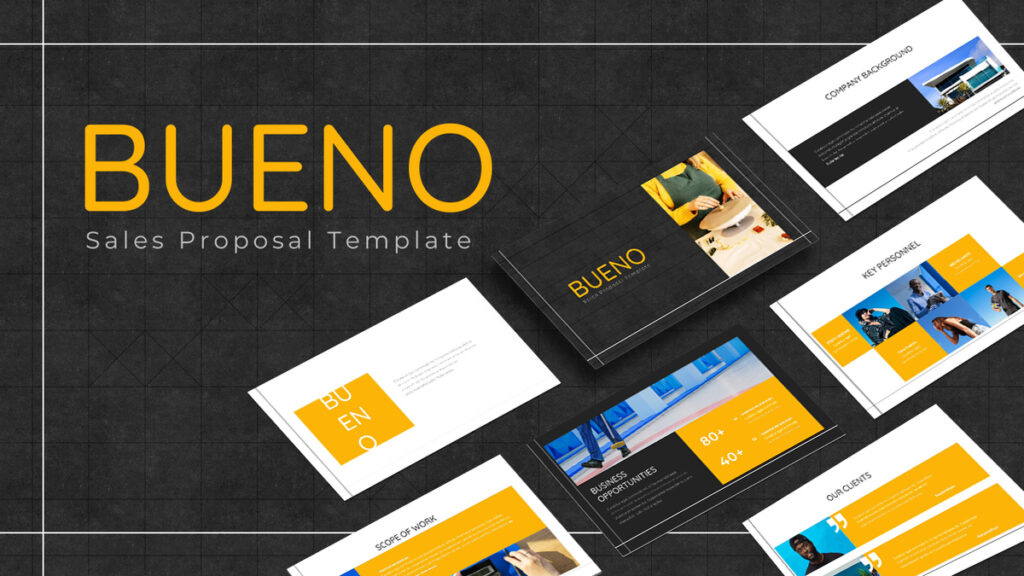
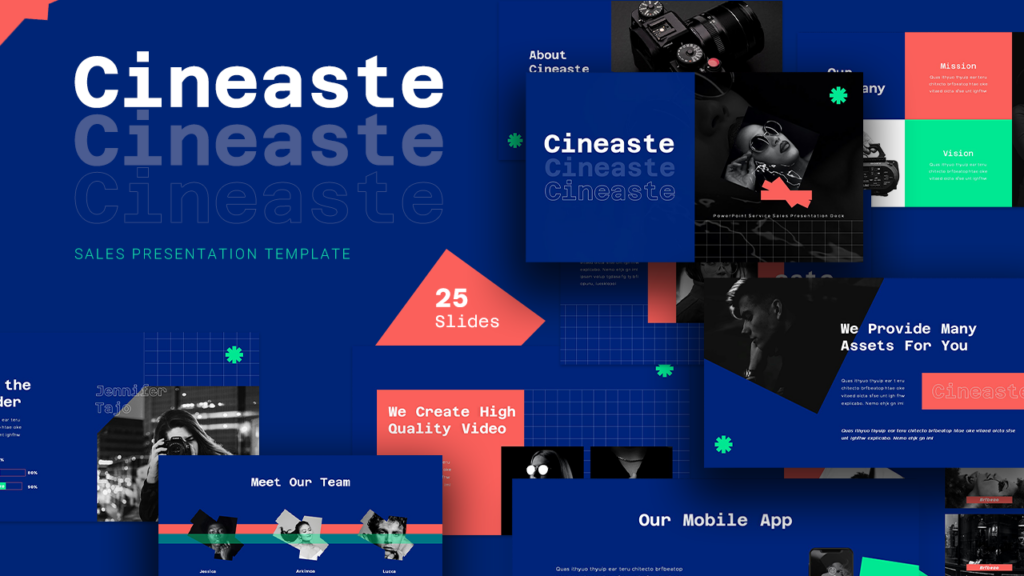
If you want a head start on design, SlideBazaar has a range of professionally designed sales presentation templates that are built for exactly this use case. You can drop your content in and have a polished deck ready to go in minutes.
Common Mistakes to Avoid When Creating a Sales Presentation
The biggest mistake in a sales presentation is making it about your company instead of your customer. Other common mistakes include using too much text, skipping social proof, and ending without a clear call to action.
Let’s go through the ones that quietly kill deals:
Talking too much about yourself. “We were founded in 2012 and have offices in three countries” tells your prospect nothing useful. They want to know what you can do for them.
Too much text on slides. Slides are not documents. If your prospect is reading paragraphs off the screen, they are not listening to you. Keep it to short phrases and let your voice carry the detail.
No clear ask at the end. You have done all this work building the case, and then the presentation just… stops. Always end with a specific next step.
Ignoring objections. If you know common pushbacks (price, timing, competitor comparisons), address them proactively. Build a slide that says “You might be wondering…” and answer the objection before it comes up.
Using a generic template. A presentation that looks like it was thrown together in 20 minutes signals that the presenter does not care. Design matters more than most salespeople think.
How to Tailor a Sales Presentation to Different Audiences
Tailor your sales presentation by researching the prospect’s industry, pain points, and goals, then adjusting your examples, language, and emphasis to reflect what matters most to them.
A one-size-fits-all deck rarely closes deals. Here is what customization actually looks like in practice:
Swap out the case study on slide 7 for one that matches the prospect’s industry. If you are pitching to a healthcare company, show them a healthcare win, not a retail one.
Adjust the problem statement to reflect their specific situation. If you know from your discovery call that they are struggling with a particular issue, name it by slide 2.
Change the language. A startup founder speaks differently than a procurement manager at an enterprise company. Match your vocabulary to theirs.
You do not need to rebuild the whole deck every time. A modular presentation with swappable slides makes customization fast. Build a master deck and create versions for each key vertical.
How to Deliver a Sales Presentation Confidently
Deliver your sales presentation by knowing your material cold, making eye contact, pausing for questions, and treating the meeting as a conversation rather than a monologue.
The most beautifully designed deck falls flat if the delivery is off. Here are a few things that make a real difference:
Practice out loud. Reading through slides in your head is not the same as saying the words. Rehearse the way you will actually present.
Do not read from the slides. The slides support what you are saying. You are not reading a script.
Pause and ask questions. Every few slides, check in. “Does this match what you are seeing on your end?” keeps the prospect engaged and gives you valuable information.
Know your transitions. Moving smoothly from one section to the next feels professional. Stumbling creates doubt. Have a clear sentence ready for each slide change.
Be ready to go off-script. If the prospect wants to jump ahead to pricing, go there. If they want to spend 15 minutes on a specific feature, dig in. The deck is a guide, not a cage.
How to Follow Up After a Sales Presentation
After a sales presentation, follow up within 24 hours with a summary email that recaps the key points, addresses any open questions, and restates the next step.
Most deals are lost not in the room but in the silence that follows. Here is what a strong follow-up looks like:
Send the deck. Not just a link. If you can send a PDF with a short personal note, do that. It keeps you top of mind and makes it easy for them to share internally.
Recap the conversation. Summarize what you discussed, what the prospect’s main concerns were, and what you agreed as a next step.
Set the deadline. If there is a trial expiry, a pricing window, or a limited onboarding slot, mention it. Not as pressure, but as information.
Ask a question. End your follow-up email with a single open-ended question that keeps the conversation going. “What would need to be true for this to be the right fit?” is a good one.
Tools to Help You Create a Sales Presentation
There are several tools that make building a sales presentation faster and more polished, including PowerPoint, Google Slides, Canva, and SlideBazaar’s ready-to-use templates.
Here is a quick overview:
PowerPoint is still the industry standard for most enterprise environments. It gives you the most control over design and animation.
Google Slides is great for collaboration and real-time sharing. Easier to get team input quickly.
Canva is popular for non-designers who need beautiful slides without learning design software.
SlideBazaar is the go-to if you want professionally designed, industry-specific templates built for sales contexts. You get the visual quality of a custom design without spending hours on layout. Browse the sales presentation templates to find one that fits your product and audience.
Final Thoughts
Creating a sales presentation that actually works comes down to three things: understanding your audience deeply, building a story around their problem, and making it visually easy to follow.
It is not about having the fanciest animations or the most slides. It is about clarity, relevance, and making the prospect feel like you get them.
Start with a template if you need a solid foundation. Customize it for your audience. Practice the delivery. And always, always end with a clear next step.
If you are looking for a starting point, check out SlideBazaar’s collection of sales presentation templates. They are built for people who present regularly and need something that looks good without the design headache.
Now go close some deals.
Related Articles
-
 September 26th, 2025
Measure PPT Designer Performance Without Getting Into Subjective Taste Wars
Blog Post -
 April 16th, 2024
Working with Multiple Images in PowerPoint
Blog Post -
 March 16th, 2023
Best PowerPoint Color Palettes and Color Themes for Presentations in 2026
Blog Post